This release brings comments to Snug’s AI integration. If you’ve connected an AI assistant like Claude to your Snug account, it can now join the conversation on your tasks, appointments, and to-dos, and it also adds shopping trip scheduling, keyboard navigation in the file viewer, and a batch of fixes across the app.
Your AI assistant can now join the conversation
Comments have been part of Snug for a while: every task, appointment, and to-do has its own discussion thread. Starting with this release, your connected AI assistant can take part in those threads too.
- Ask your assistant to read a comment thread and catch you up on the discussion.
- Have it add comments or reply to existing ones, with replies nested just like your own.
- It can also edit or remove the comments it wrote for you.
- Everything happens live. Comments your assistant posts appear on your screen the moment they’re made, no refresh needed.
Combined with everything else the AI integration already does, like planning trips, filling shopping lists, and managing your projects, your assistant is now a real teammate on the board instead of a silent note-taker.
Plan the shopping trip, not just the list
A shopping list now has a Schedule button. It opens a new to-do with everything already filled in, named after the list, set to the next hour, assigned to you, and linked straight back to the list. Save it and the trip shows up on your day alongside everything else.
A list can also remember which shop it belongs to. When you schedule it, that place comes along to the to-do automatically, ready for directions.
Fixes and improvements
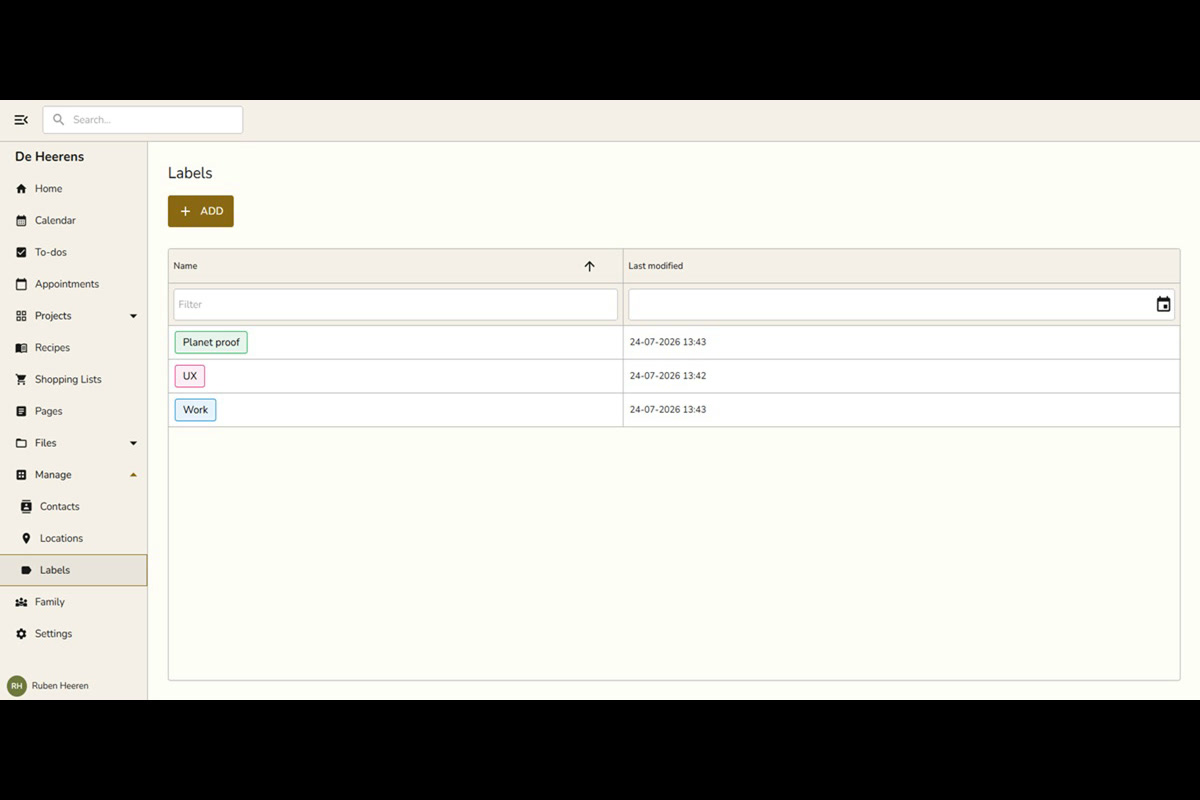
- Label changes on the board now appear right away. Previously, editing a task’s labels and closing the dialog left the old chips on screen until you refreshed.
- Left and right arrow keys page through your files in the file viewer, so you can flip through photos and documents without going back to the folder.
- Typing [], [ ], or [x] followed by a space in a note or page now turns the line into a checkbox.
- iPhone and iPad no longer ask twice for notification permission. Just the one system prompt now.
- Snug now ships its own fonts instead of fetching them from Google, so pages paint a little faster and one less request leaves your browser.
- Your AI assistant can set up a project’s board columns when it creates or updates a project, matching the options you get in project settings.
- Private projects created by your AI assistant now show up immediately instead of staying hidden until a reload.
- Plus visual and stability improvements throughout the app.
Leave a Reply